Starting a design project without official brand guidelines can feel intimidating.
And when a designer asks for your brand colors, typography rules, or style guide, it’s easy to freeze and think, “Wait, do I need to figure all of that out before I can hire someone?”
Short answer: absolutely not.
Because you don’t need a polished corporate identity or a 20-page brand book to get professional graphics.
A good designer just needs clarity on your goal, your audience, where the design will live, and the look you’re picturing, and a simple design brief covers all of that.
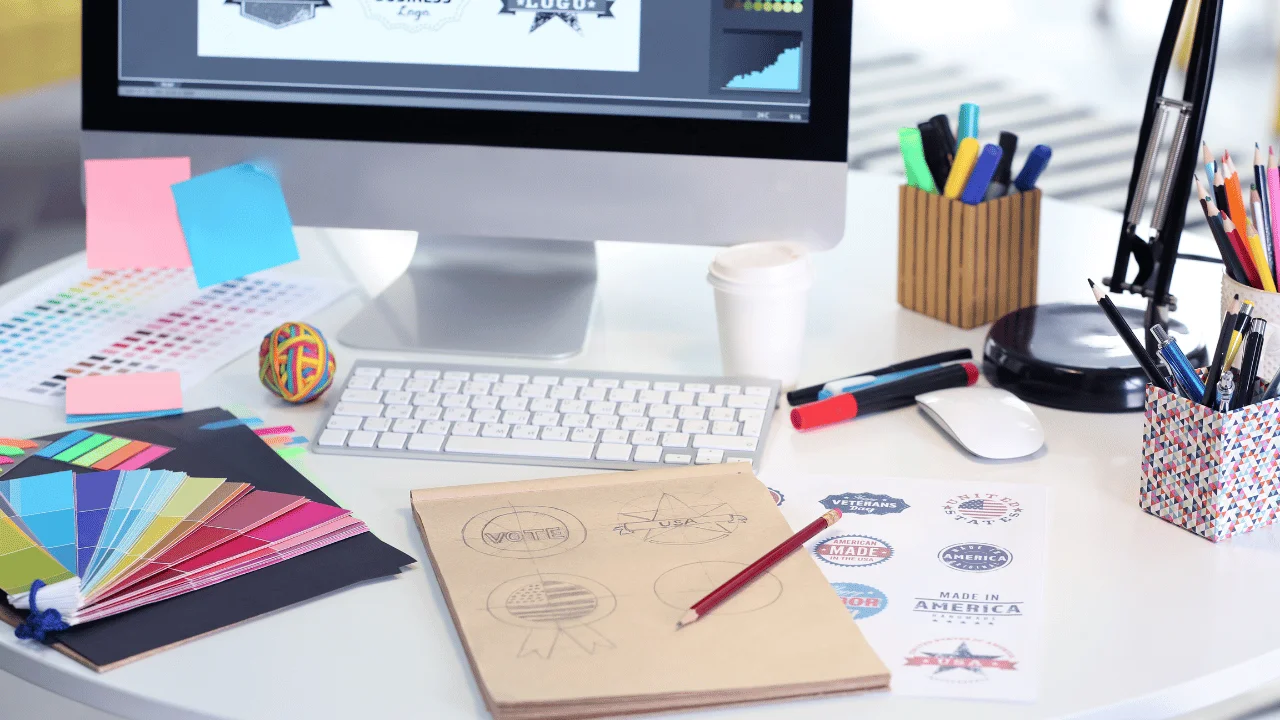
This guide walks you through putting one together in about 15 minutes, even if you don’t have formal brand guidelines yet, so you don’t play guessing games with the designer you hire.
Step 1: Tell the Designer What the Design Needs to Do
Before you think about colors or fonts, think about the job the design is supposed to do. A graphic is a tool, and the designer can only build the right one if they know what it’s for.
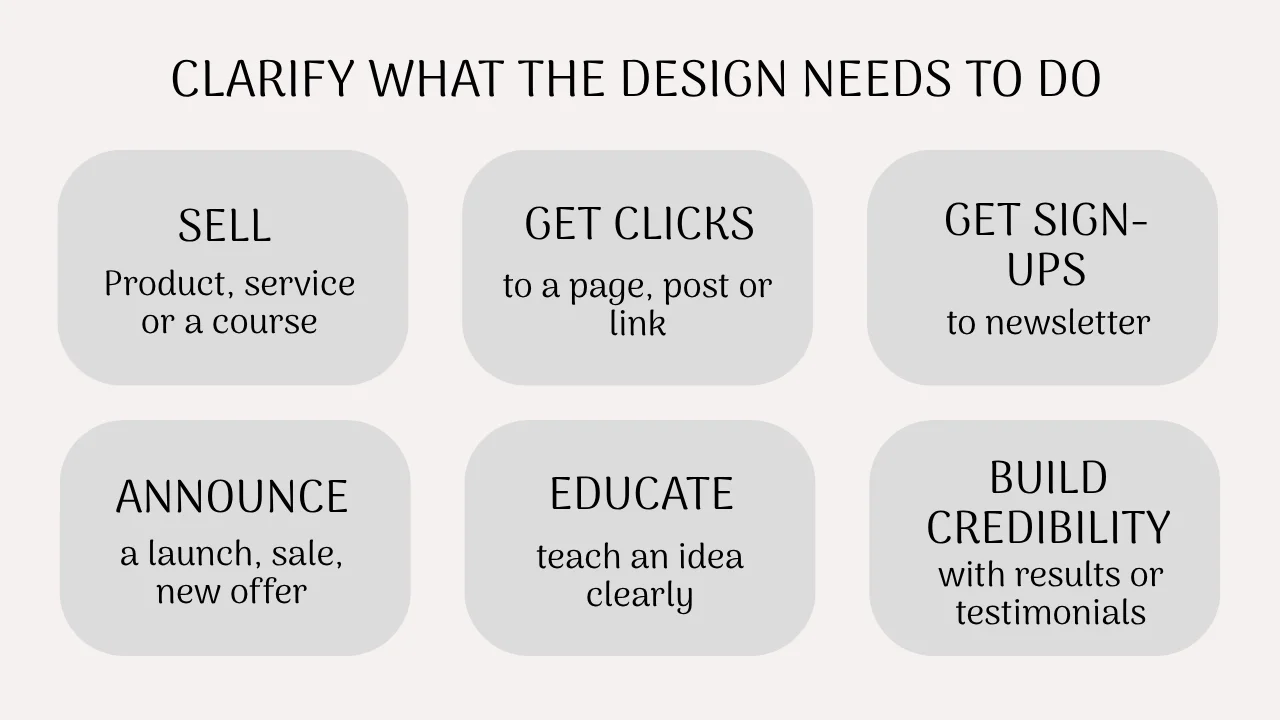
Here are some common jobs a design can have:
- Sell something: a product, a service, a template bundle
- Get clicks: driving people to a post, a page, or a link
- Collect email signups: a freebie or newsletter promo
- Announce something: a launch, a sale, a new offer
- Educate: a carousel that teaches one idea clearly
- Build credibility: a testimonial graphic or a results snapshot
- Make an existing offer easier to understand: simplifying something people keep asking about
You also don’t need a full customer persona. Four quick answers are enough: who will see this, what do they already know, what do you want them to do next, and where will it appear?
That last question matters more than you’d expect. Because an Instagram carousel, a website banner, a Pinterest pin, and an ebook cover all have different shapes, reading habits, and attention spans, so a designer who doesn’t know the placement is basically guessing.
Visual assets you need to launch your digital product
Step 2: Give Your Designer a Visual Direction With Just a Few Words
You can skip the mood board and the 12-page deck. Pick 3 or 4 words that describe the feeling you want, like warm, minimal, editorial, or playful.
These words won’t work as instructions, because “make it beautiful” isn’t one either. Think of them as directional clues that narrow the field before the designer sketches a single thing.
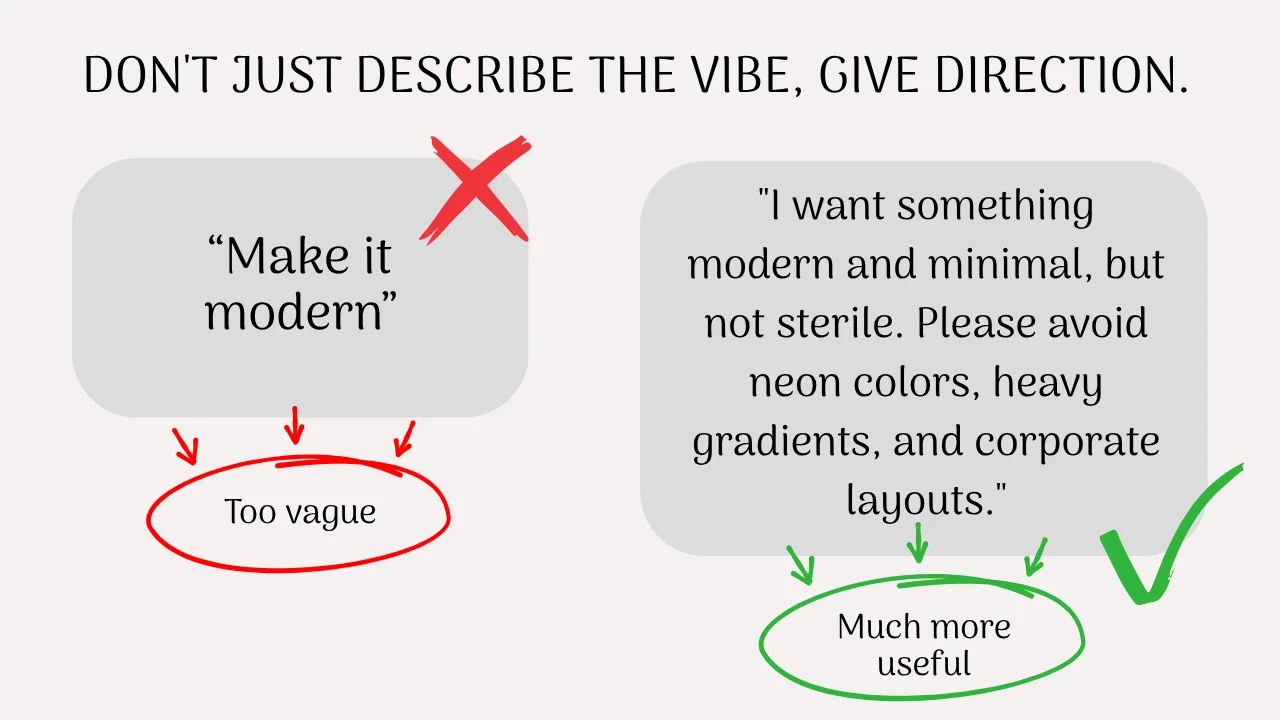
Tell them what you don’t want. This might be the most underrated part of any brief. Compare these two:
- “Make it modern.”
- “I want something modern and minimal, but not sterile. Please avoid neon colors, heavy gradients, and overly corporate layouts.”
The second one rules out a dozen wrong turns before the first draft exists.
Show examples, and explain what you like about each one. Sending 5 Pinterest links with “I like these” leaves the designer to work out which part of each one caught your eye.
Maybe it was the spacing in one and the color palette in another.
A small table keeps it clear:
| Reference | What I like about it |
|---|---|
| Example A | The typography and spacing |
| Example B | The color palette |
| Example C | How the photos are treated |
Don’t just say “I like this.” Say exactly WHAT you like, and try to be as specific as possible.
That tiny bit of explanation saves a surprising amount of back-and-forth later.
Step 3: Hand Over the Raw Materials Up Front
Designers can make something beautiful out of almost anything, but they can’t invent your content, and chasing missing pieces mid-project is one of the most common causes of delays.
Content to send:
- Your final headline
- Supporting text
- The call to action (what you want people to do)
- Product or service details
- Any required info, like prices, dates, or legal lines
Please don’t send a rough paragraph and expect the designer to decide which parts matter most. If the copy isn’t final yet, just say so, and they can leave flexible space for it.
Existing visual assets to send:
- Your logo
- Headshots or product images
- Existing graphics you like or want to stay consistent with
- Links to your website and social profiles
- Brand colors and fonts, if you know them
And if you don’t have most of this, that’s completely fine. Plenty of good projects start with a logo and a vague feeling, and an experienced designer can build a consistent look from there.
When I started taking on social media design work, the briefs that went best were never the most polished ones.
They were the ones where the person simply knew what the graphic was supposed to accomplish, and if you’d like a hand turning that kind of clarity into finished visuals, this is the kind of work I take on.
Step 4: Spell Out Exactly What You Need Delivered
Vague requests create vague results. “I need some social graphics” could mean two posts or twenty, while “I need 5 Instagram posts” gives the designer something they can plan around.
Cover these basics:
- Quantity: the exact number of designs
- Platform and dimensions: for example, Instagram at 1080 × 1080 or Pinterest at 1000 × 1500
- File formats: see the breakdown below
- Deadline: an actual date, because “ASAP” means something different to everyone
Here’s a quick guide to the file formats you might request:
- PNG: sharp, clean graphics with text. Best for: social posts and carousels.
- JPG: smaller file sizes, especially with photos. Best for: quick sharing and web use where file size matters.
- PDF: multi-page or print-ready files. Best for: lead magnets, planners, and ebooks.
- SVG: scalable vector graphics. Best for: logos and icons that need to resize without blurring.
- Editable Canva or Figma file: the source file itself. Best for: anyone who wants to tweak text or swap images later.
It also helps to split your list into what’s required and what’s nice to have.
Required might be 5 PNGs and an editable Canva template, while “nice to have” might be an alternate color version or a mobile variation.
That way, if time or budget gets tight, everyone already knows what to protect.
Visual assets you need to launch your digital product
Step 5: Agree on a Simple Revision Process Before You Start
Revisions are where designer and client communication tends to fall apart, mostly because nobody talked about them beforehand.
A few quick questions settle it:
- How many revision rounds are included?
- Who is giving the feedback (just you, or you and a business partner)?
- When will you send it?
- What happens if the brief changes halfway through?
If you hire through a platform, a lot of this is spelled out in the package details, so check what’s included in a gig before you order. Because knowing the rules up front means you understand what you’re getting.
How to Give Feedback Without Making Your Designer Guess
Almost every work needs reviews and feedback, and giving good feedback is a skill, it’s the one that separates smooth projects from frustrating ones. A few habits make a big difference.
1. Describe the problem, not the solution.
When trying to explain your dissatisfaction with a design, focus on describing what you think the problem is.
So, instead of “Can you make this better?”, try: “The headline is getting lost against the background. Could we increase the contrast or adjust the hierarchy so it reads faster?” The designer knows the tools, so let them pick the fix.
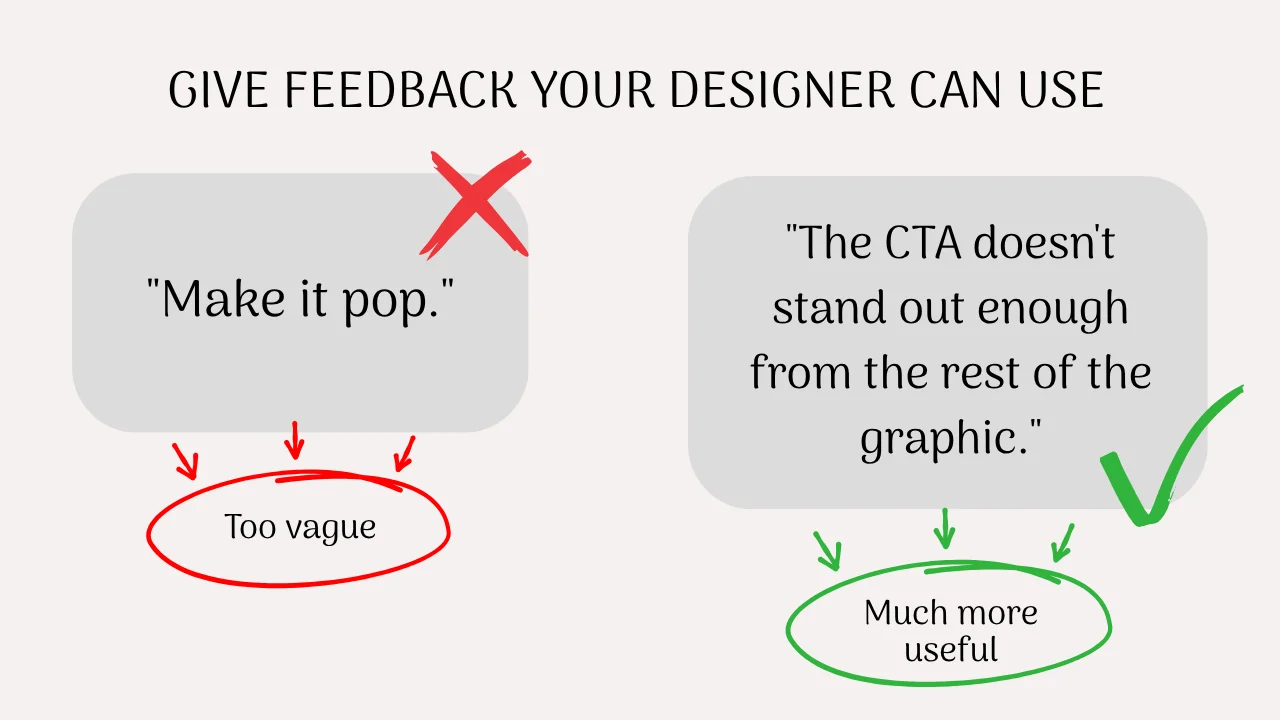
2. Be specific.
Saying something vague like “Make it pop” gives a designer nothing to act on, but a more specific feedback like “The call to action doesn’t stand out enough from the rest of the graphic” does.
3. Separate personal taste from a real problem.
“I personally don’t like this font” and “This font is hard to read at the size it’ll appear on mobile” are both valid, but they’re different kinds of feedback.
One is a preference the designer can weigh, and the other is a usability issue they’ll want to fix right away.
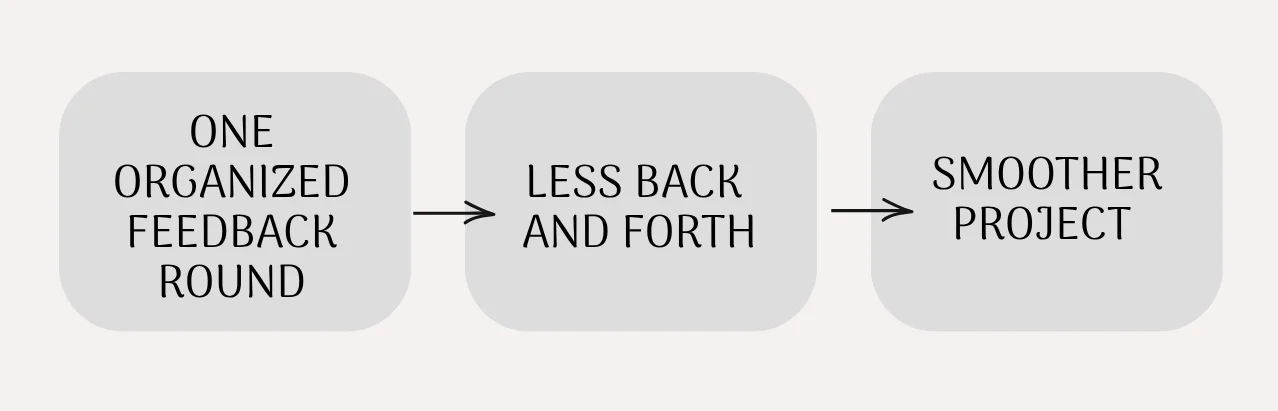
4. Send one organized round.
A single, well-thought-out message is far more useful than seven tiny notes sent throughout the day, because unclear feedback often contradicts itself and makes it hard to see the full picture.
Skip the Blank Page: Grab the 5-Minute Design Brief Template
Everything in the steps above fits on a single page, so I turned it into a fill-in-the-blank PDF you can use for any design project.
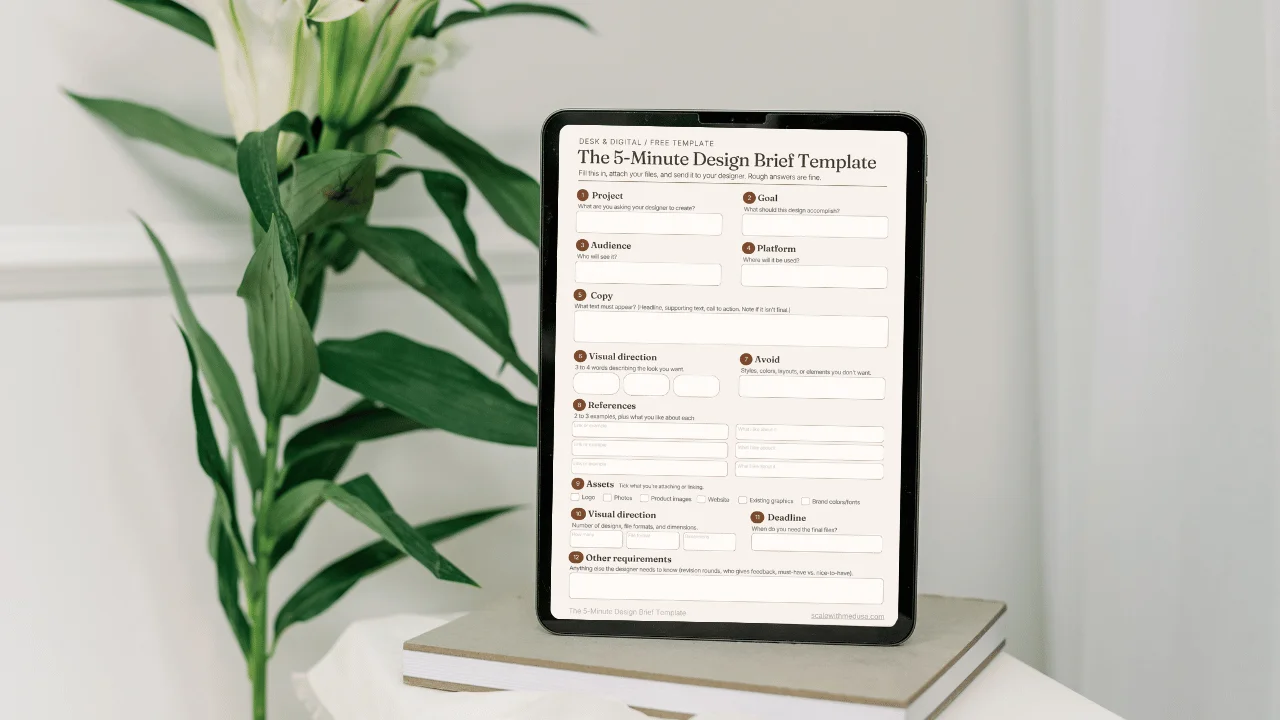
The 5-Minute Design Brief Template walks you through the same questions in order, so you can finish it in one sitting and send it straight to your designer.
What’s inside:
- Goal: What does this design need to do?
- Audience: Who will see it, and what should they do next?
- Where it will appear: Platform and dimensions
- Style words (3 to 4): For example, warm, minimal, editorial
- Please avoid: Colors, styles, or layouts you dislike
- References: Links, plus one line on what you like about each
- Content: Headline, supporting text, call to action, required details
- Assets attached: Logo, photos, colors, fonts (whatever you have)
- Deliverables: Quantity, file formats, required vs. nice to have
- Deadline: A real date
- Revisions: How many rounds, and who gives feedback
Download the 5-Minute Design Brief Template here.
Prefer to skip the design work?
I'll design your visual assets for you
Polished, launch graphics, social templates, and lead magnets for creators and small businesses.
See the Fiverr gig →Custom design, delivered in days
A Good Brief Makes Hiring a Designer Feel a Lot Less Scary
Once you’ve filled that out, you’ve done most of the hard thinking, and the designer can get straight to the creative part.
A brief like this works with nearly any designer, and if you’re looking for one, I’d love to help bring your project to life, with your brief in hand and no brand book required.
If you like practical, low-pressure advice on running a creative business without burning out, you’re welcome to join the Desk & Digital newsletter, where I share more of it every time something new goes up.