Selling digital products on Etsy is one of the fastest and most accessible ways to build an online business.
If you’ve spent any time watching “passive income” videos, you’ve probably heard someone say you can create a digital product once and sell it forever.
There’s some truth to that. Unlike physical products, there are no boxes to store, no shipping labels to print, and no inventory to replenish. Once your listing is live, Etsy automatically delivers the file every time someone makes a purchase.
But here’s the part that often gets left out: success isn’t about uploading just any digital product and hoping it takes off.
The shops that grow consistently usually solve a specific problem for a specific audience, whether that’s helping brides plan a wedding, creators design social media content, or small business owners manage their finances.
And Etsy specifically makes sense as a starting point becaue you’re not building an audience from zero.
People are already on Etsy, credit card in hand, actively searching for the exact thing you might be thinking about making. That built in trust and built in traffic is worth a lot, especially if you’re just getting your feet wet with digital products for the first time.
In this guide, you’ll discover:
- the best-selling digital products on Etsy,
- which categories have stood the test of time,
- which newer niches are growing quickly,
- how to choose a product that fits your skills,
- the different ways to create it,
- and the steps to launch your shop successfully.
Digital Products Are Profitable Because You’re Not Fighting Physical Limitations
When you sell a physical product, so much of your energy goes into things that have nothing to do with the actual creative work. Sourcing materials, packaging, shipping costs, storage space, the list goes on. Digital products remove almost all of that.
There’s no inventory to manage, no shipping fees eating into your margins, and your overhead stays low even as your shop grows. Etsy also handles the delivery automatically, so once someone purchases, the file lands in their inbox without you lifting a finger.
And here’s the part I find genuinely encouraging: your older listings keep working in the background. As they collect reviews and get favorited, they climb in the search rankings, which means the traffic and sales you’re getting six months from now can be even better than what you’re getting today, without you having to constantly create new things just to stay visible.
Don’t Think About Products. Think About Problems
This is the piece that gets left out of almost every article like this one, and it’s probably the single most useful thing I can tell you. Successful Etsy shops rarely succeed because they made “a planner” or “a Canva template.” They succeed because they solved a specific problem for a specific person.
Think about the difference between a generic budget spreadsheet and a wedding budget spreadsheet.
Or a daily planner versus an ADHD daily planner.
Or a plain Canva template versus a realtor Instagram carousel template.
Same basic format, completely different level of appeal, because the second version speaks directly to someone who’s actively looking for exactly that solution.
The more specific you get about who you’re helping and what they’re struggling with, the easier it becomes to stand out in a marketplace that’s genuinely crowded.
I know “niche down” can feel like advice you’ve heard a hundred times, but there’s a reason it keeps coming up. It works because specificity is what makes someone stop scrolling.
Evergreen Best Sellers You Can Count On
I want to walk you through the categories that have proven themselves over time. These aren’t trendy or flash in the pan, they’re the steady performers that keep showing up in successful shops year after year.
Digital planners and productivity templates
These remain one of the most consistent sellers, whether that’s a GoodNotes planner, a Notion dashboard, an ADHD focused planner, a habit tracker, or a meal planning system.
People are drawn to these because they’re looking for a sense of control over their day, and the barrier to entry for creating them is fairly low if you’re comfortable with tools like Canva or Notion.
Printable planners and journals
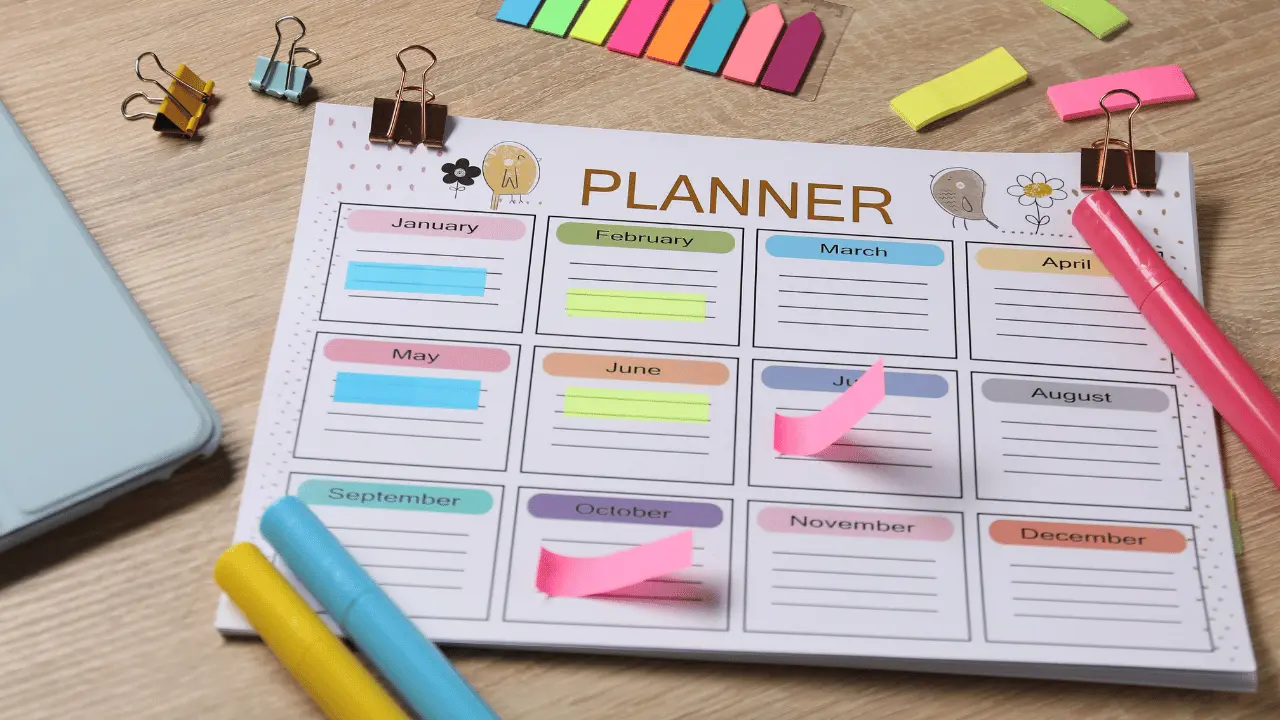
Planners and journals cover similar ground but in a more tactile, print at home format. Think gratitude journals, fitness trackers, reading journals, vision boards, and wedding planners.
There’s something satisfying about a printable, and buyers often purchase multiple related ones once they find a style they like.
Financial spreadsheets
Spreadsheets tend to do especially well because money management is a problem almost everyone has, but very few people enjoy building their own system from scratch.
Budget spreadsheets, debt payoff calculators, business bookkeeping templates, and even Etsy specific tools like profit or pricing calculators all fall into this bucket.
Canva templates
Canva templates are enormously popular, partly because Canva itself is so widely used and partly because creators and small business owners are constantly looking for ways to post consistently without designing everything from scratch.
This spans Instagram, Pinterest, LinkedIn, and TikTok templates, along with lead magnets, ebook templates, and presentation decks.
Wedding and event printables
These products are a dependable category because there will always be people planning weddings, showers, and parties, and they’re often willing to spend a little more to make things feel polished. Invitations, save the dates, seating charts, menus, and party games all live here.
Printable wall art
Printable wall art appeals to the home decor crowd, especially minimalist, botanical, nursery, typography, and seasonal styles. It’s a low complexity product to create, which makes it a nice entry point if you’re just starting out.
SVG and craft files
These type of files serve a slightly different audience, the crafters using Cricut machines or working on embroidery and crochet projects. This includes clipart, seamless patterns, and craft specific file formats.
Resume and career templates
Resume and career templates round out the evergreen list. Job searching is stressful, and a well designed resume, cover letter, or portfolio template can genuinely make someone’s life easier, which is exactly the kind of problem worth solving.
Fast Growing Categories Worth Keeping an Eye On
Alongside the steady performers, there are a handful of categories that are picking up momentum right now.
Branding kits
These have grown alongside the rise of small business owners and solopreneurs who need to look professional but don’t have design budgets. Logos, brand guides, email signatures, color palettes, and business card designs all fall under this umbrella.
Website templates
Website templates carry a higher barrier to entry since they require more technical or design skill, but they also command higher price points. Shopify, Squarespace, Wix, Showit, and Figma website kits are all in demand as more people build their own sites without hiring a developer.
Business documents
Business documents like contracts, client questionnaires, intake forms, workbooks, pitch decks, and invoices are quietly useful for the growing number of freelancers and consultants who need professional looking paperwork without paying a lawyer or a designer for something basic.
AI prompt packs
These are the newest category on this list, covering ChatGPT prompts, Midjourney prompts, marketing prompts, and business automation prompts. It’s still an emerging space, but it’s growing quickly as more people look for shortcuts to using AI tools effectively.
Educational printables
This type of printables round things out here, with homeschool worksheets, kids activities, flashcards, and coloring pages serving the steadily growing homeschool and early education market.
Choosing Your First Product Starts With Knowing Yourself, Not the Market
Once you’ve looked through all of that, it’s tempting to just pick whatever category seems most popular. I’d gently push back on that instinct. Instead, ask yourself a few honest questions.
1. What skills do you already have?
If you’re comfortable in Canva, Excel, Figma, Adobe Illustrator, or Notion, that’s your natural starting point. There’s no need to learn an entirely new tool before you’ve even validated an idea.
2. Which audience do you actually understand?
Maybe that’s teachers, coaches, small business owners, brides, or book lovers. Understanding the day to day reality of your audience matters more than picking whatever’s trending, because you’ll design better products for people whose problems you actually recognize.
3. Can this become a product line rather than a single item?
Instead of launching one planner and stopping there, think about what naturally comes next: a matching sticker set, a habit tracker, a budget tracker, a meal planner. Building a small ecosystem around one niche encourages repeat customers instead of one time buyers.
4. And finally, is there proven demand?
This is where a bit of keyword research before you create anything can save you a lot of wasted effort. You don’t need to guess.
Three Ways to Actually Build What You’re Selling
You don’t have to do everything yourself, and honestly, that’s one of the more freeing realizations in this whole process.
Creating it yourself
This works best if you already have the design skills and genuinely enjoy that part of the process. Tools like Canva, Figma, Adobe Illustrator, Google Sheets, Excel, and Notion give you complete creative control, and there’s something satisfying about building a product from the ground up.
Hiring a freelancer
Hiring a freelancer is a great option if you have the ideas but not the design chops to bring them to life quickly.
Things like Canva templates, lead magnets, digital planners, ebooks, printable workbooks, social media templates, and business forms can all be outsourced to someone who specializes in that kind of work, which lets you launch faster than trying to learn every skill yourself.
Customizing PLR and MRR products
This is probably the fastest path if you want to get a shop up and running quickly.
These are products that come with Private Label Rights or Master Resell Rights, meaning you can rebrand them, tweak the design, add your own bonuses, bundle them with other items, or resell them to your audience, all within whatever the license allows.
Just make sure you actually read the licensing terms closely before you commit, since the rights attached to these products vary quite a bit from one to the next.
The Tools Match the Product, Not the Other Way Around
Rather than getting overwhelmed by every possible tool out there, it helps to think of this by product type.
- Canva templates naturally pair with Canva itself.
- Financial spreadsheets are built in Google Sheets or Excel.
- SVG files typically come out of Illustrator or Affinity Designer.
- Website templates are built in Figma, Shopify, or Squarespace.
- Planners often live in Canva, InDesign, or GoodNotes.
- Branding kits are usually built in Illustrator or Canva.
You don’t need to master all of these at once, just the one or two that match the product you’ve decided to start with.
Launching Your Shop Doesn’t Have to Be Complicated
Once you’ve picked your product and built it, here’s a simple path forward.
1. Start by validating demand
Validate demand before you spend hours creating anything. Etsy’s own search bar and keyword research tools will tell you pretty quickly whether there’s an audience actively looking for what you’re about to make.
2. Then focus on creating listing images
Create listings that actually convert. Realistic mockups that show buyers what the product looks like in use go a long way toward building trust before someone even clicks into your listing.
3. Don’t underprice your products
When it comes to pricing resist the urge to underprice out of fear. Think about the value and complexity of what you’ve made. Printables, template bundles, branding kits, and website templates all tend to sit in different price ranges, and it’s worth looking at what similar products are charging as a general guide rather than a strict rule.
4. Be clear about exactly what buyers are getting.
Spell out the included files, whatever software is needed to edit them, the license terms, and how the download process works. Reducing confusion before a purchase means fewer questions and fewer refund requests after.
Visual assets you need to launch your digital product
5. And finally, build a related product ecosystem
Think about building a related product ecosystem instead of jumping between unrelated ideas. A budget spreadsheet can lead naturally into
- a financial planner,
- then a debt tracker,
- then a savings challenge,
- then a full expense tracker bundle.
That kind of expansion increases how much each customer spends with you over time and gives people a reason to come back.
The Real Lesson Here Is Focus, Not Volume
If there’s one thing I want you to walk away with, it’s that the Etsy shops that actually succeed don’t get there by selling a little bit of everything. They get there by becoming known for solving one specific problem for one specific kind of person, really well.
So pick one niche. Build one high quality product. Pay attention to what your customers tell you about it, whether that’s through reviews, questions, or just what sells. Then, once you have that foundation, expand into the complementary products and bundles that naturally follow.
There’s no need to rush toward building a shop that sells everything under the sun from day one. Consistency and specialization, done slowly and intentionally, will get you further than trying to do it all at once ever could.