If you have spent any time watching productivity videos, you have probably come across someone claiming they create an entire month’s worth of content in a single day.
Maybe they really do. I don’t, and I honestly don’t think most solo creators do either.
Creating a month of blog posts, newsletters, carousels, Pinterest graphics, emails, captions, and videos takes real time, even with AI helping along the way.
For me, it usually takes several days, sometimes a full week, and I used to think that meant I was doing something wrong.
I have since realized the goal was never about working faster. The goal is to think less while you are working, to make fewer decisions along the way, and that is what batching is actually for.
This is not a checklist for cranking out thirty pieces of content before lunch. It is the workflow I actually use to reduce decision fatigue, stay organized, and keep making steady progress without running myself into the ground.
Batching Was Never About Speed
Somewhere along the way, batching got tangled up with the idea of squeezing an impossible amount of output into an impossibly short window, and I think that framing does creators a disservice.
When you look closely at what batching is actually doing for you, it comes down to a few quiet, unglamorous things:
- reducing context switching,
- cutting down on setup time,
- limiting how many repeated decisions you have to make,
- and protecting whatever creative energy you have left by the end of the day.
Progress beats compression every time.
Instead of asking yourself whether you can create a month of content today, it helps to ask how you can make today’s work a little easier than yesterday’s. That shift in question changes everything about how the work feels.
Here is the idea I keep coming back to, and it is the thread that ties this whole system together: every repeated decision slows you down. The fewer decisions you have to make while you are in the middle of creating, the easier batching becomes, and the less exhausted you feel at the end of it.
10 Tiny Habits That Make Creators More Consistent
Phase 1: Planning
Planning Removes the Guesswork Before You Even Start
The whole point of planning is to eliminate creative decisions before you sit down to create anything at all.
That means reviewing your content goals, looking at your analytics, paying attention to the questions your audience keeps asking, and pulling ideas from whatever idea bank you have been building over time.
From there, you choose your content pillars for the stretch you are working on.
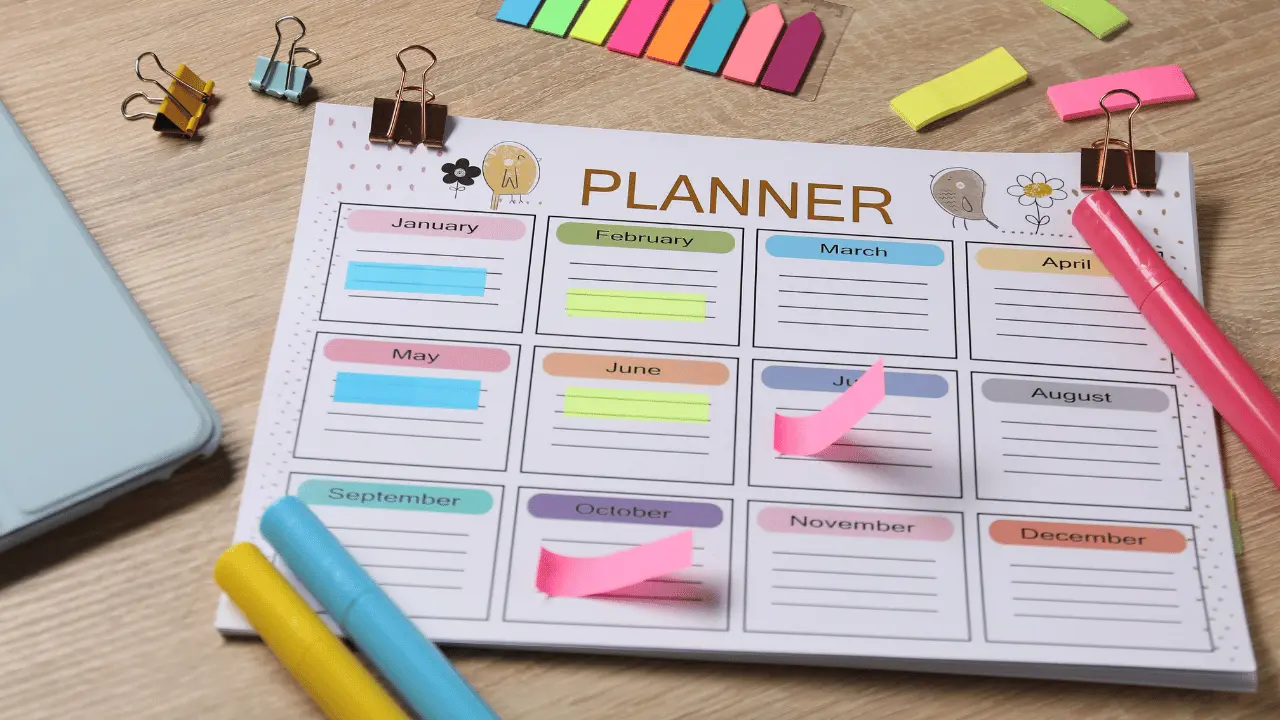
You pick a core topic or article to build everything around, decide what products or services fit naturally into that topic, and put together a publishing calendar. Part of that process is deciding what content is evergreen and what is tied to a specific moment.
When planning is finished, you should not have to sit down and ask yourself what you are supposed to make today. That question should already be answered.
Phase 2: Preparation
Preparation Is Where You Remove the Friction
Once the planning is done, preparation is about clearing away anything that might slow you down once the creative session actually starts.
That usually looks like organizing your workspace, opening Canva, creating folders, gathering screenshots, downloading photos, collecting links, pulling together your research, and opening whatever writing documents you will need.
It also means having your reusable assets ready to go: your brand kit, fonts, color palette, logos, icons, and mockups, all sitting there waiting instead of scattered across your desktop somewhere.
This is also the point where you duplicate your templates instead of starting from a blank page.
Carousel templates, Pinterest templates, newsletter templates, blog graphics, all of it gets duplicated ahead of time rather than built from scratch in the moment.
Templates Are Not About Prettier Graphics, They Are About Fewer Decisions
I want to sit with this for a second, because I think it gets missed. Templates do not matter because they make things look nicer, even though they usually do.
They matter because they remove dozens of tiny design decisions you would otherwise have to make one at a time, every single time you open a new file.
Phase 3: Create
Create in Blocks, Not in Finished Posts
This is probably the part of the workflow that took me the longest to actually internalize, because it goes against how most of us were taught to work.
Instead of creating one complete post from start to finish and then moving to the next one, you create all of the same kind of task at once.
- Writing block: Write all of your hooks, all of your headlines, all of your carousel copy, and all of your newsletters and captions in one sitting.
- Design block: Create all of your carousel graphics, Pinterest pins, featured blog images, and quote graphics together.
- Video block (optional): If video is part of what you make, record your Reels, talking head videos, B-roll, and voiceovers all at once. If video is not part of your workflow, you simply skip that block entirely, and the system still works just fine without it.
- Editing block: Go through and edit your graphics, videos, copy, and images as a group.
Notice the pattern running through all of this is you are batching tasks, not finished posts.
That distinction changes how your brain experiences the work, because you are staying in one mode of thinking for longer instead of constantly shifting between writing, designing, and editing every few minutes.
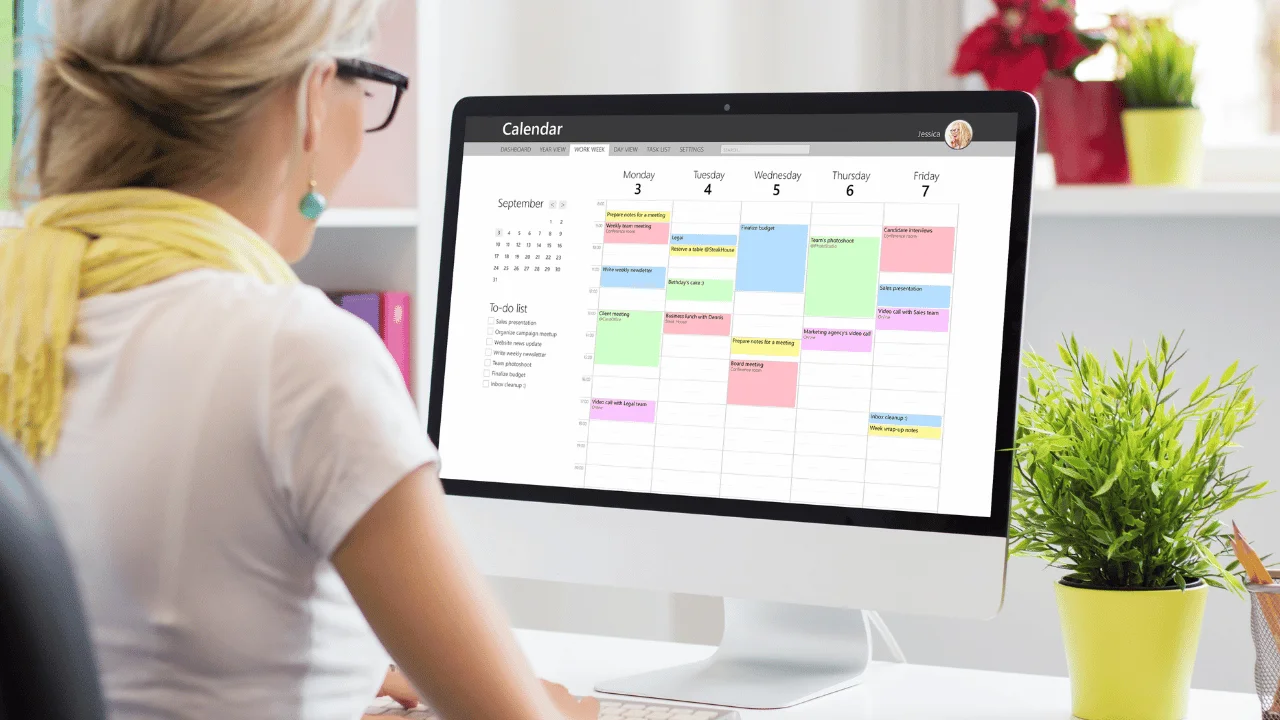
Phase 4: Organize & Schedule
Turning Loose Assets Into an Actual Publishing Queue
The goal of this stage is to take everything you have created and turn it into something that is actually ready to go out into the world.
That means:
- exporting your graphics,
- naming your files consistently so you can find them later,
- uploading everything to wherever it needs to live, and scheduling the posts.
It also means adding your links, adding your calls to action, checking that everything is formatted correctly, and saving your reusable assets somewhere you can find them again next time.
Why Templates Became My Biggest Time Saver
I do not want this section to feel like a sales pitch, because that is not really the point of it.
Think about what happens every time you open a blank Canva page. You are immediately making dozens of tiny decisions, including which layout, which fonts, which colors, where the headline goes, where the call to action sits.
Templates eliminate almost all of that decision-making before it even starts, which is exactly why I lean on them so heavily whenever I am batching content.
That is also why I built out my own Canva template shop, and why I take on custom template design work through Fiverr.
Rather not build them yourself?
Shop ready-made templates instead
Browse the Medusa Studio shop for template bundles you can customize and use today.
Shop the templates →A Few Things I No Longer Try to Batch
This is the part that rarely gets talked about, and I think it deserves more attention than it gets.
- Inspiration. Some ideas simply arrive when they arrive, and no calendar or checklist is going to force that timing.
- Timely content. News, industry updates, and trends happen in real time, and trying to batch them ahead of schedule usually just means publishing something stale.
- Final proofreading. Fresh eyes catch mistakes that tired eyes miss, so this is never a step worth rushing through.
- Everything in one sitting. Creative work has diminishing returns the longer you push through it. Sometimes the most productive choice you can make is to simply stop for the day.
This section matters because it reinforces something I believe pretty deeply: sustainable content creation is not about batching absolutely everything.
It is about knowing which parts of the process actually benefit from batching and which parts need to stay flexible.
You Do Not Need to Create a Month of Content in a Day
Coming back to where we started, you do not need to create an entire month’s worth of content in 24 hours, and chasing that goal is probably part of what has been wearing you out in the first place.
What you actually need is a system that makes tomorrow’s work a little easier than today’s.
Batching was never about becoming a content machine. It is about protecting your energy so you can keep creating consistently, week after week, without burning out along the way.